
Mimaki Firmware Updater ver1.0 (Windows)
| Utility | |
| 1.0 | |
| 2022年03月01日 | |
|
Windows XP
Windows XP (32bit) Windows Vista Windows Vista (32bit) Windows Vista (64bit) Windows 7 Windows 7 (32bit) Windows 7 (64bit) Windows 8 Windows 8 (32bit) Windows 8 (64bit) |
|
Operating environment which is Ver1.2 or later |
|
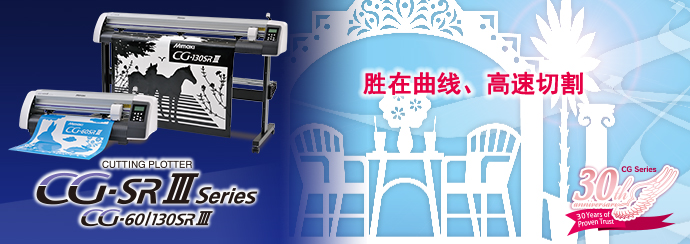
| CFX-2513, CFX-2531, CFX-2550, CG-60AR, CG-60SRIII, CG-100AR, CG-100SRIII, CG-130AR, CG-130SRIII |
About Mimaki Firmware Updater
Mimaki Firmware Update enables you to receive updated information for the firmware of Mimaki product registered and thereby you can keep the firmware the latest condition.
This upgraded version will improve the defects or solve the machine problem. Please use this software and confirm the latest information.
Precautions for use
Read accompanying manual or the application screen before use. If performing procedures other than those descriptions, or not following those cautions, serious problem leading to damage of the product will occur.
About manual
After installing the manual, open it from [Start] - [Mimaki Firmware Updater] - [Firmware Version Update Guide].
How to Upgrade Mimaki Firmware Updater
Install Mimaki Firmware Updater v1.0 and start, the program itself will automatically update to the latest version when connecting to the internet.
The following functions have been change
[Ver1.1 -> Ver1.2]
- CG-AR Series can be used.
- Windows 11 is supported
[Ver1.0 -> Ver1.1]
- Ethernet connection can be used.
- PC can connect to plotter of multiple units.